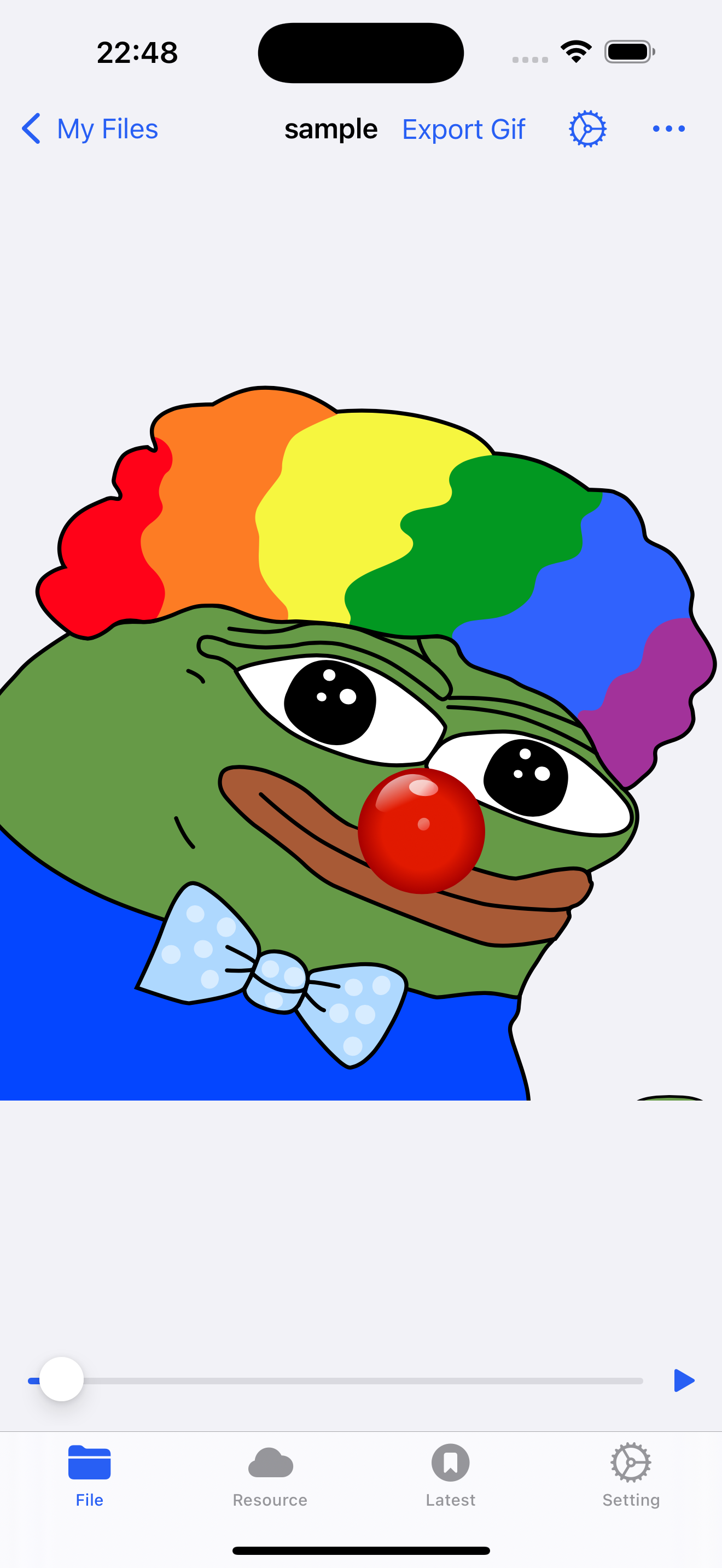
Converting TGS to GIF on iOS Using the Fileso App
Index
Converting TGS to GIF on iOS Using the Fileso App
Introduction to Telegram's TGS Format
TGS files are a staple in the Telegram platform, utilized primarily for animated stickers. Leveraging the Lottie animations framework, these files are JSON-based vector animations that are both compact and scalable. This format is particularly favored for its efficiency and quality in mobile environments where bandwidth and performance are critical.
Why Convert TGS to GIF?
While TGS files are optimal for Telegram, their specialized format isn't as widely supported across other platforms as GIFs. Converting TGS to GIF allows users to share these animations on platforms that do not support the TGS format, enhancing the versatility of content created for Telegram.
Using Fileso to Convert TGS to GIF on iOS
Fileso is an advanced file management app for iOS that supports a wide range of file formats and includes tools for converting files. Here’s how you can convert TGS files to GIFs using Fileso:
-
Install Fileso: Download and install the Fileso app from the iOS App Store.
-
Open Fileso: Launch the app on your device. You'll be greeted with a user-friendly interface to navigate your files.
-
Import the TGS File: If the TGS file isn’t already on your device, you can transfer it via AirDrop, download it from an email, or upload it from cloud storage. Fileso supports importing files directly from services like iCloud, Dropbox, or Google Drive.
-
Locate the TGS File: Use the Fileso app to navigate to the directory containing the TGS file.
-
Convert the File: Select the TGS file and look for a conversion option within the app. Fileso usually includes a toolset for converting different file types. Choose to convert the file to a GIF. Adjust settings such as resolution and frame rate if the app provides these options.
-
Save the GIF: Once the conversion is complete, save the new GIF file. Fileso allows you to save files back to your device or upload them directly to cloud storage.
-
Share or Use the GIF: You can now share the GIF via social media, messaging apps, or any platform that supports GIFs.
Conclusion
Fileso for iOS simplifies the process of converting TGS files to GIFs, thus broadening the usability of Telegram's animated stickers. By converting TGS to a more universally recognized format like GIF, you ensure that your animations can be enjoyed across a variety of platforms, not just Telegram.